




























To check for Starlink Wi-Fi on an upcoming United or Southwest flight, start with the airline’s own tools. As of November 2, 2026, United’s official tracker accepts flight searches up to three days before departure. Meanwhile, Southwest tells passengers to look for a Starlink label in their trips in its app. However, Southwest warns that last-minute aircraft changes can affect flights.
Check a United flight close to departure
On United’s tracker, choose your departure date, enter your flight number and select “Check for Starlink.” The page’s date selector showed November 2, 3 and 4 when checked on November 2. Therefore, this tool serves a near-departure check; its stated search window does not cover a trip months away.
The same page also separates fleet installation progress from the share of daily flights with Starlink. In addition, its expanded details show progress by aircraft family and estimates for departures from individual hubs.
For example, United defines a hub’s probability as Starlink departures divided by total departures from that hub. That percentage describes departures at the airport. It does not identify the equipment on your individual flight, which is why the page provides a separate flight-number search.
Look for Southwest’s Starlink label
For Southwest, open your trip in the airline’s app. Its official help page says a Starlink-equipped trip shows “WiFi Powered by Starlink.” Still, the airline explicitly warns that all flights are subject to last-minute aircraft changes.
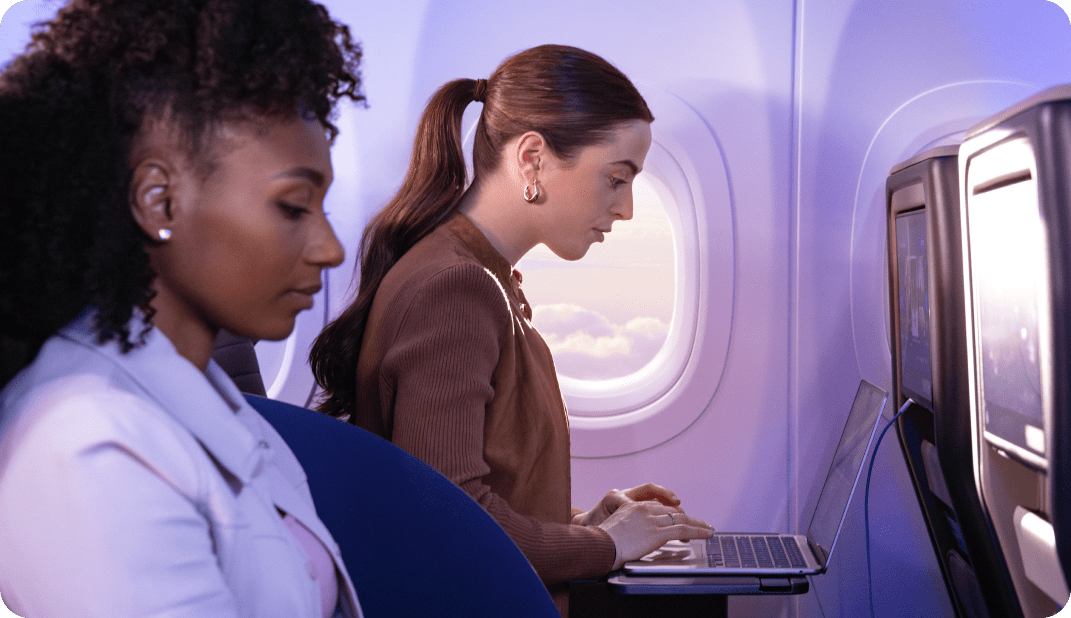
Once onboard, first put your device in airplane mode. Then turn on Wi-Fi and select the available Southwest WiFi network. Next, open SouthwestWiFi.com in your browser. Southwest says messaging will identify Starlink before you connect.
There is also an entertainment difference to know about. Southwest says its onboard entertainment portal is unavailable on aircraft with Starlink Wi-Fi. Instead, passengers can stream from their own services, and the airline requires headphones whenever they listen to audio.
Keep the rollout limits in view
Southwest’s help page limits service to designated WiFi-enabled aircraft, where available. It describes fleet-wide coverage as an expectation for fall 2027. Similarly, United’s tracker says installation completion remains on track for the end of 2027. Both airlines describe ongoing installations.
For another airline’s plans, see our report on Wizz Air adding Starlink Wi-Fi to its planes from 2027.